By linking your gaming platforms in EMPULSE you'll be able to take your progression across all platforms you play on. Keep in mind with EMPULSE since it is a paid game you'll need to purchase EMPULSE for each platform you want to play on. To link your platforms head over to our Account site then create/log in to a 1047 Games account.
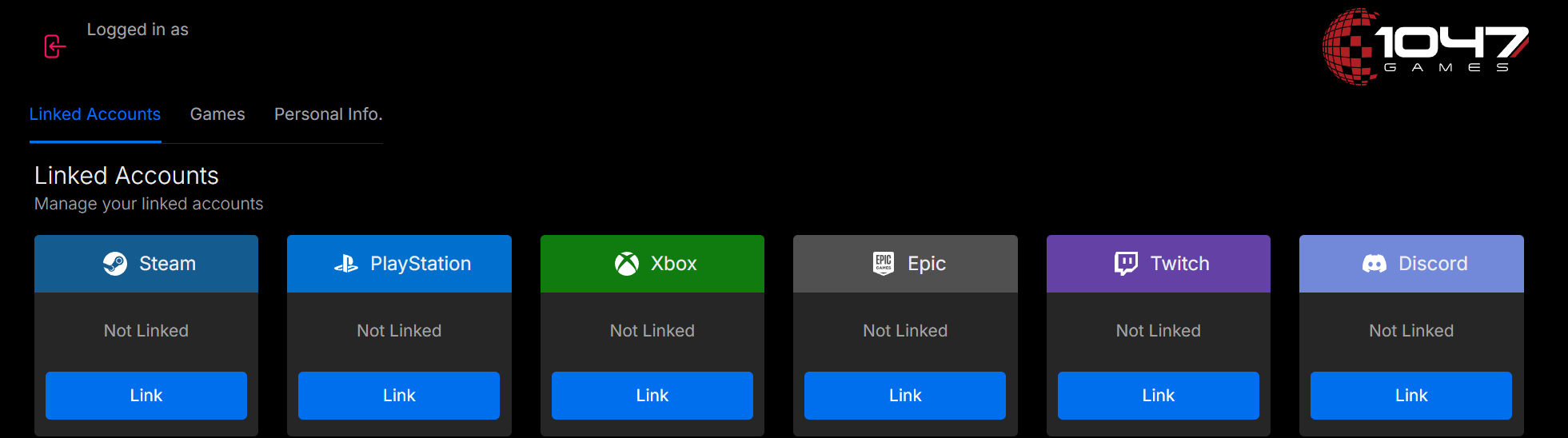
Once you are logged in, you can select “Link” under any platform. This will prompt you to log in to that platform and confirm you wish to link your account.
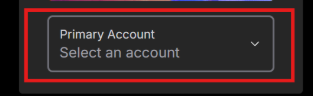
Once you have linked your accounts select the Games tab and make sure that you have the Primary Account set for the correct platform. Your Primary Account should be the platform with the most progression on it. You can always change which linked account is the Primary Account by clicking on the dropdown and then selecting any of your linked platforms.
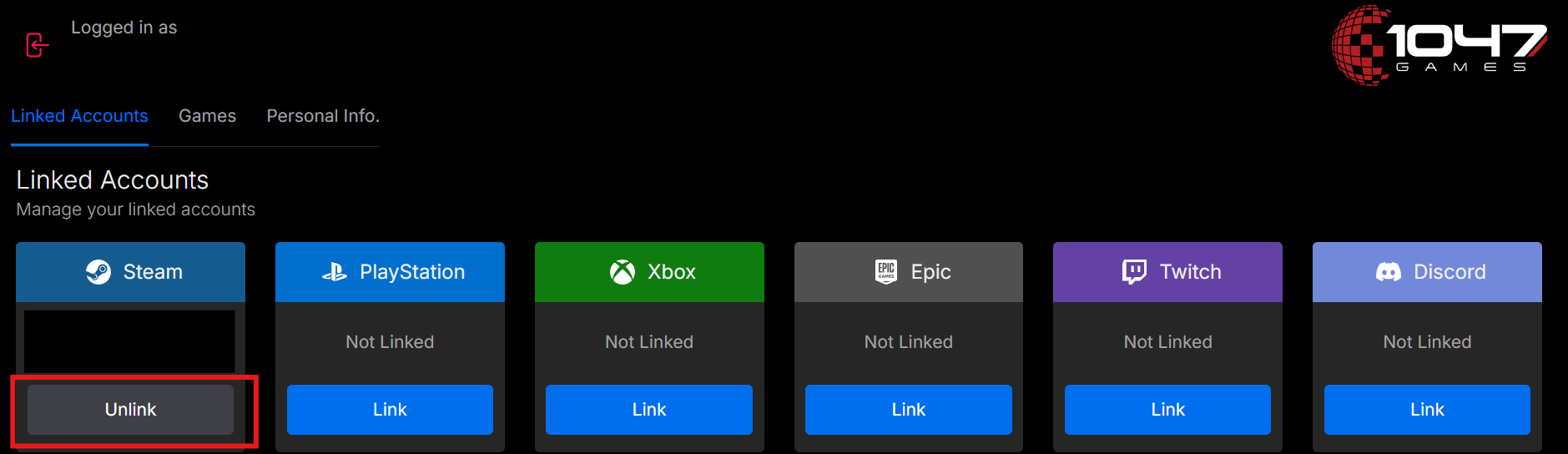
You can also unlink any platforms linked to your account at any time by choosing the platform you wish to unlink and clicking "Unlink"
FAQ
I created a 1047 Games account for the Splitgate: Arena Reloaded, does it still count?
Yup! You can still log in with your previously created 1047 account and use it for EMPULSE. All your past platform links will still be there.
Help! I lost all my progression after linking my gaming platforms.
Check to make sure that your Primary Account is set to the platform that you first started playing EMPULSE on. You can change your Primary Account at any time by going to the Games tab and selecting the platform from the drop down.
Can you have the same platform account linked to multiple 1047 games accounts?
A platform account can only be linked to a single 1047 games account at a time. You'll receive an "Error linking account" if you try to link the same platform to multiple 1047 games accounts.
Can I merge my progression between different linked platforms?
No. We don't support merging of accounts between different platforms.
What if I no longer wish to have a 1047 Games account?
On our
Accounts site go to “
Personal Info” and under Delete Account click the
Request Account Delete button
. Afterwards you must type
DELETE ACCOUNT in the prompt in order to complete the process. Keep in mind that deleting your 1047 account will delete both your EMPULSE and Splitgate: Arena Reloaded account. This will include all personal information, purchases, game progress, and in-game content.